
Feature: Identity
Mac identity and login with your existing IdP
Use your existing identity provider to manage Mac login, sync credentials, and enforce policy—online or offline.

macOS Identity and Access Management
A smarter, simpler way to log in.
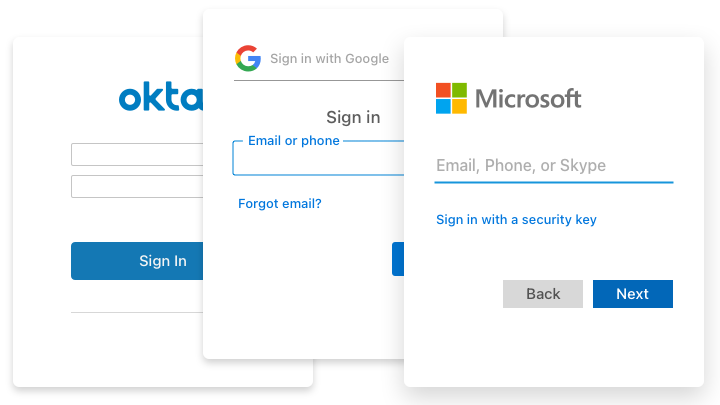
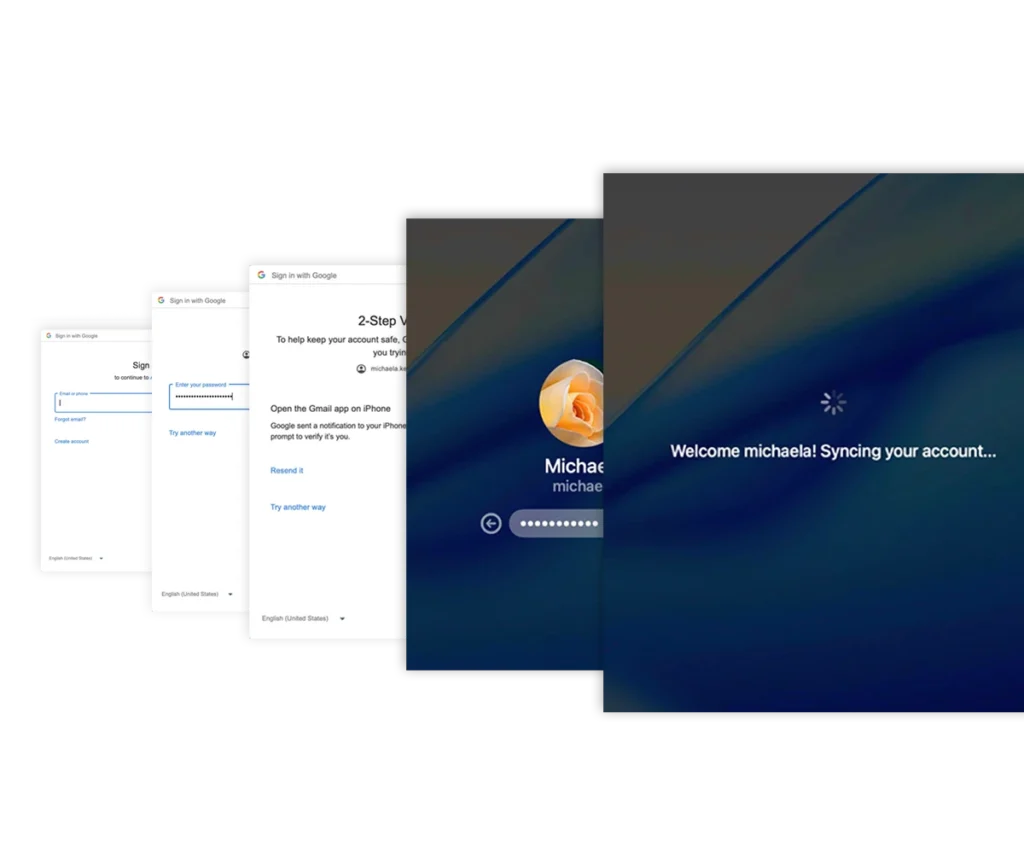
Addigy Identity replaces the Mac login with one powered by Okta, Microsoft Entra, Google Workspace, and more.
Users keep one set of credentials while IT gets synced passwords, offline access, and identity‑based control. Setup takes less than 30 minutes, with a sleek, branded login experience that’s intuitive for end users and easy for IT teams to manage.
ATTRIBUTE SYNC & POLICY CONTROL
Sync identity attributes.
Simplify device management.
- Pull in user details like department, location, and job title
- Use identity data to align devices with the right policies
- Track ownership and assignments without spreadsheets

OFFLINE ACCESS
Stay logged in, even when offline.
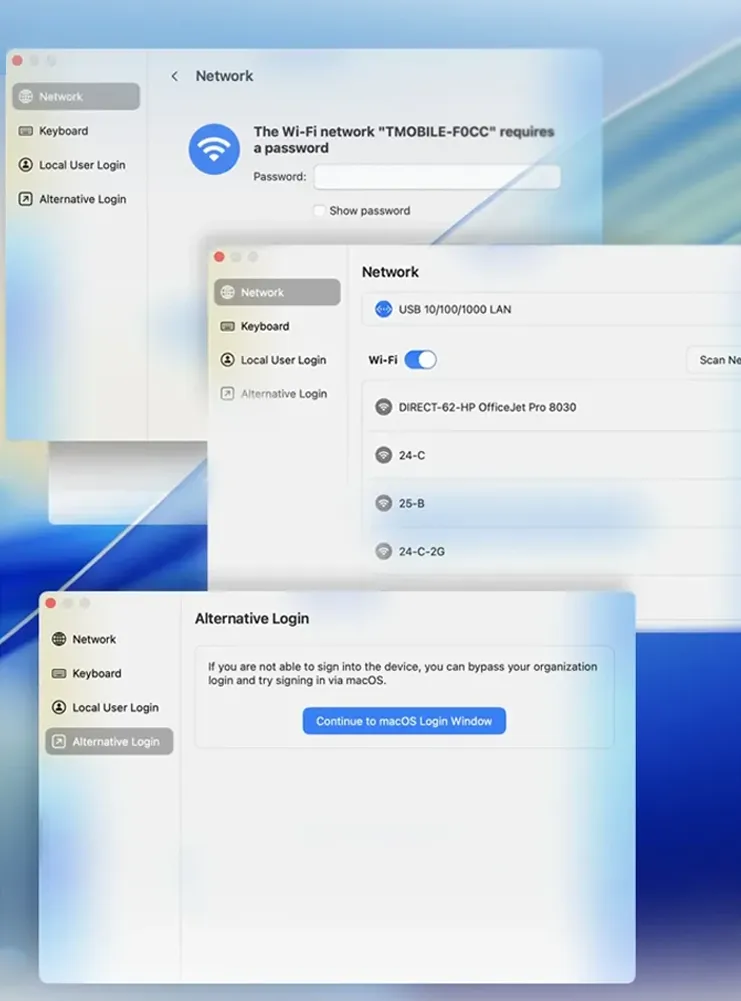
- Users can log in with their last known password
- Compatible with FileVault login
- Optional emergency bypass available
TESTING & ROLLOUT
Pilot identity settings with zero risk.
- Test new login flows and policies before going live
- Easy configuration with minimal documentation
- No certification or complex onboarding required
Branded Mac login experience for every team.
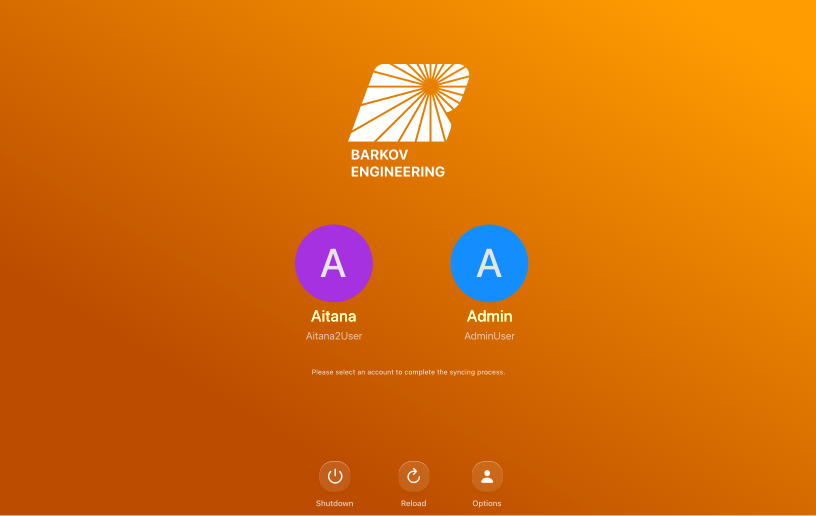
- Brand the login screen with logos, backgrounds, and instructions
- Create different login experiences for each policy, department, or tenant
- Works for both new and existing devices
Fewer passwords.
Fewer problems.
- Users log in with existing credentials from your IdP
- Passwords stay synced between the IdP and the Mac
- Matches existing macOS accounts without data loss
- Assigns admin or standard privileges automatically
Ready to modernize Mac logins?
14 Days. All features. No commitment.